
How to connect Pathao, SteadFast & CarryBee to your online store
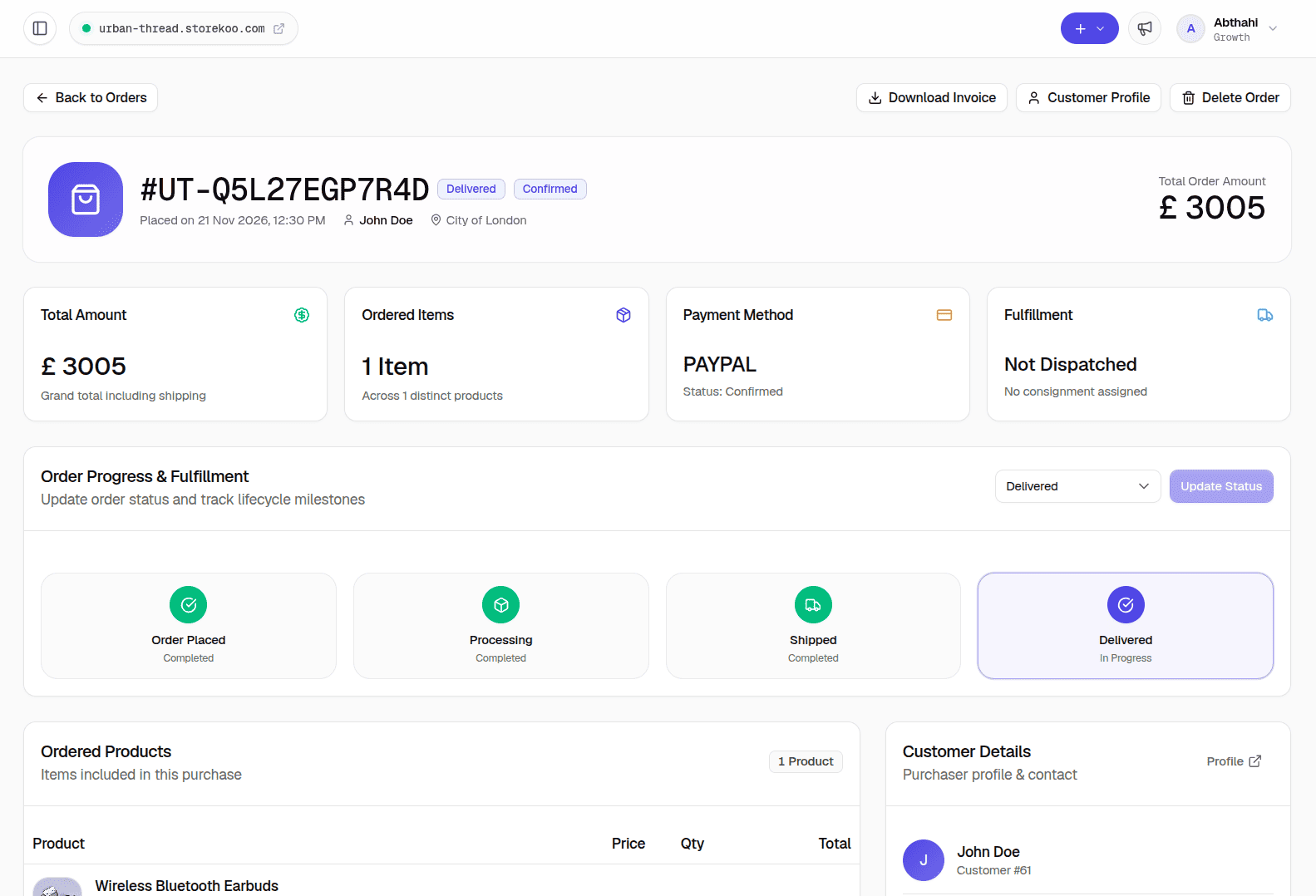
Connecting Pathao, SteadFast, or CarryBee to StoreKoo takes less than two minutes. Copy your courier API credentials from your merchant panel, paste them into Dashboard → Courier, and dispatch incoming orders in one click with zero manual data entry.
What credentials do you need for each courier?
Each courier provides API keys inside your merchant dashboard. StoreKoo stores your credentials securely and uses them only when you click Send to Courier on an order.
| Courier | Required Credentials | Automated Data Sent |
|---|---|---|
| SteadFast | API Key + Secret Key | Name, phone, address, COD amount, invoice ID |
| Pathao | Client ID, Secret, Store ID | Name, phone, zone/area, COD amount, item weight |
| CarryBee | Client ID, Secret, Context | Recipient details, pickup store, COD total |
How does live customer order tracking reduce support messages?
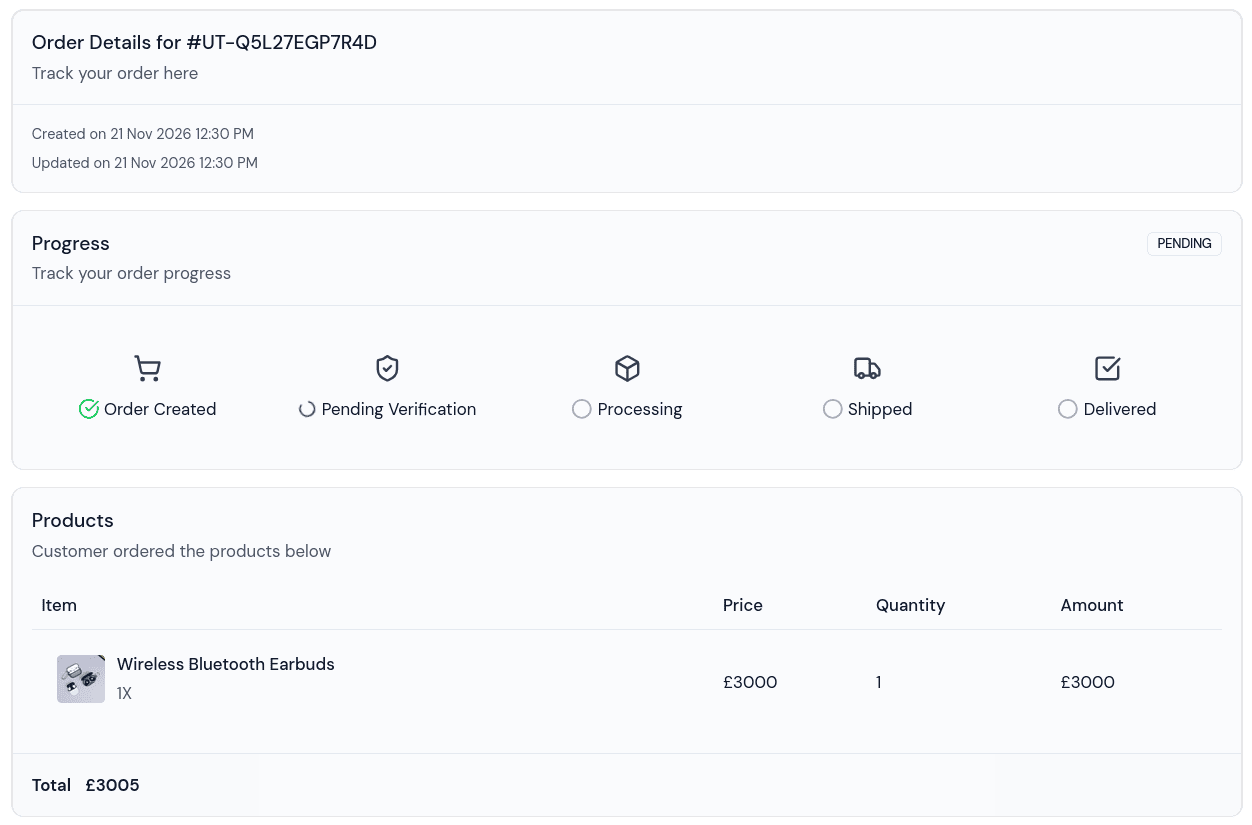
As soon as an order is placed and dispatched, customers receive a direct public tracking link showing live fulfillment milestones. Buyers check delivery progress themselves instead of messaging your Facebook page or WhatsApp inbox for updates.
Frequently asked questions
Which Bangladesh couriers integrate directly with StoreKoo?
StoreKoo integrates directly via API with SteadFast, Pathao, and CarryBee. You can connect one or all three in Dashboard → Courier and dispatch parcels in a single click.
Do I have to re-type customer addresses into the courier portal?
No. Clicking 'Send to Courier' on an order automatically sends the customer's name, phone number, delivery address, invoice ID, and exact COD collection amount directly to SteadFast, Pathao, or CarryBee.
Can customers track their delivery status automatically?
Yes. Every StoreKoo order generates a zero-login live tracking link where buyers see real-time order and courier delivery milestones without calling or messaging your page.