
Accept bKash, Nagad, SSLCommerz & PayPal with 0% platform fee.
StoreKoo connects your storefront directly to local Bangladesh MFS gateways, automated card processors, PayPal, and Cash on Delivery without taking a single percentage cut. Payments settle straight into your own merchant or personal accounts from day one.
Which payment gateways work out of the box on StoreKoo?
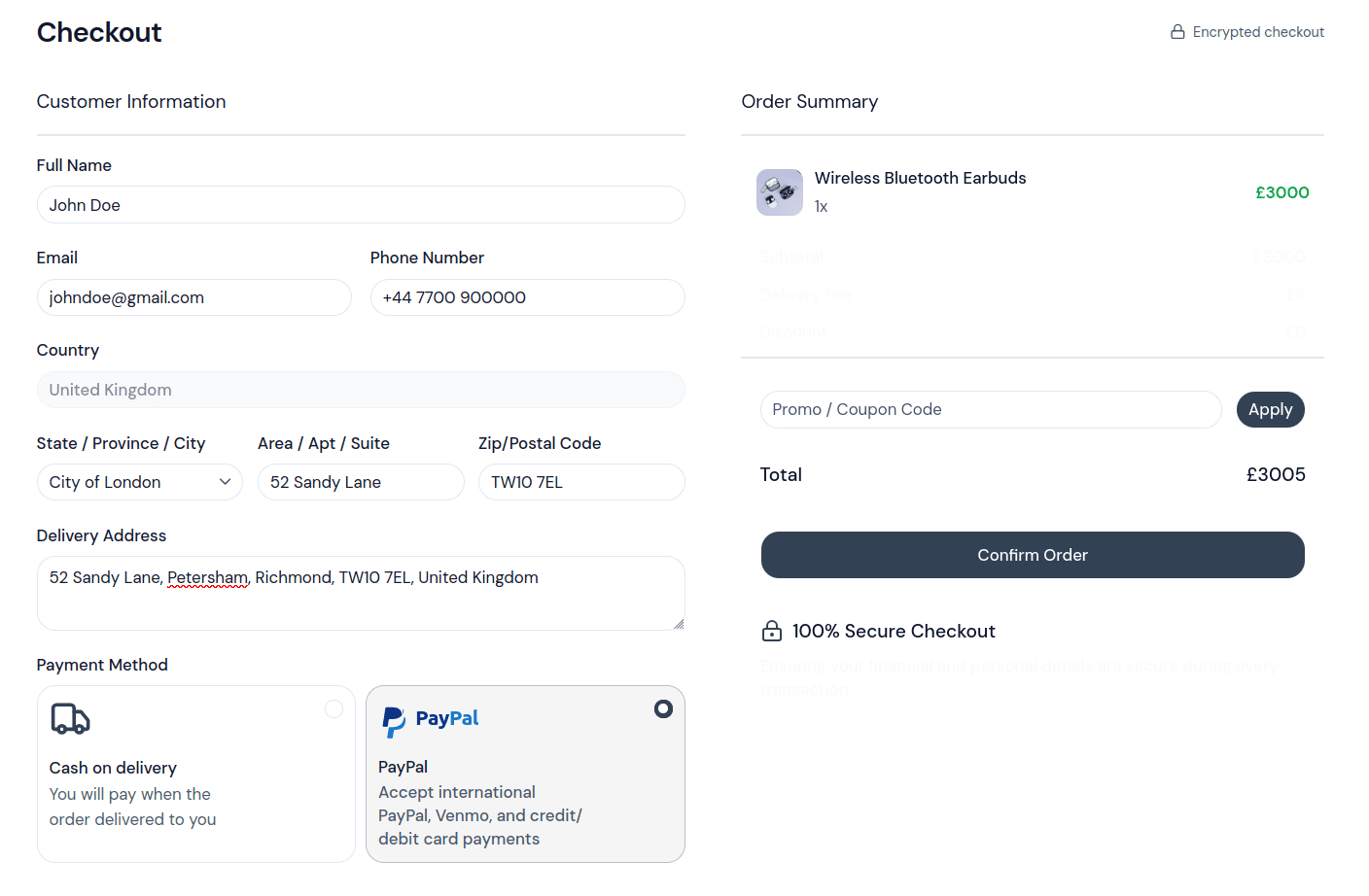
StoreKoo automatically shows the right payment options for your store's country. Bangladesh stores get native bKash, Nagad, Rocket, SSLCommerz, AamarPay, ShurjoPay, and COD, while international stores get direct PayPal Orders v2 and COD—all with 0% StoreKoo commission.
| Payment Method | Availability | How It Works | StoreKoo Fee |
|---|---|---|---|
| StoreKoo Pay (bKash, Nagad, Rocket) | Bangladesh (BDT) | Personal or Merchant MFS + TrxID verification | 0% |
| SSLCommerz, ShurjoPay & AamarPay | Bangladesh (BDT) | Automated Visa, MasterCard, MFS & internet banking | 0% |
| PayPal (Orders v2) | International (USD, EUR, GBP, etc.) | Direct PayPal & card checkout to merchant account | 0% |
| Cash on Delivery (COD) | Global & Bangladesh | Full COD or optional upfront delivery charge collection | 0% |
How do you connect payments in under 2 minutes?
Open your StoreKoo dashboard, navigate to Payment Methods, toggle on the gateways you use, and paste your account number or API credentials. No third-party plugins, developer setup, or custom code is required.
Open Payment Methods
Go to Dashboard → Payment Methods. Available gateways adapt automatically to your store country.
Add Credentials or MFS Number
Enter your bKash/Nagad number for StoreKoo Pay, or paste your SSLCommerz, AamarPay, ShurjoPay, or PayPal keys.
Go Live with 0% Fee
Save changes and accept verified payments immediately on both your storefront and Custom Order Links.
Frequently asked questions about payments
Does StoreKoo charge any transaction fee on customer payments?
No. StoreKoo charges 0% platform commission on every order across Free, Pro, and Scale plans. You only pay the standard gateway processing fee charged directly by your chosen provider (if any).
Can I accept bKash and Nagad without a trade license?
Yes. With StoreKoo Pay, you can connect your personal or merchant bKash, Nagad, or Rocket number in under two minutes. Customers send payment directly to your number and submit their TrxID at checkout.
How do international stores accept payments on StoreKoo?
Stores outside Bangladesh automatically unlock PayPal Orders v2 and Cash on Delivery (COD) in their dashboard payment settings, allowing direct settlement to the merchant's own PayPal account.
Can I require an advance delivery charge on Cash on Delivery orders?
Yes. You can enable upfront delivery fee collection so COD customers pay the shipping cost via bKash or Nagad before the order is dispatched, reducing fake orders and return losses.